ENTERPRISE mULTIMODAL DEEPFAKE DETECTION
Insider threats now start with hiring
When a deepfake candidate gets hired, they become an insider threat. Catch impersonation attacks fast with Pindrop Pulse® for Meetings: audio and video deepfake detection paired with passive voice authentication and location risk signals.


1 in 6
Applicants in Pindrop's study showed signs of fraud1
1 in 343
Applicants had IP addresses linked to DPRK infrastructure1
1 in 4
DPRK-linked candidates used a deepfake1

MULTIMODAL DEEPFAKE DETECTION
What is multimodal deepfake detection for virtual meetings?
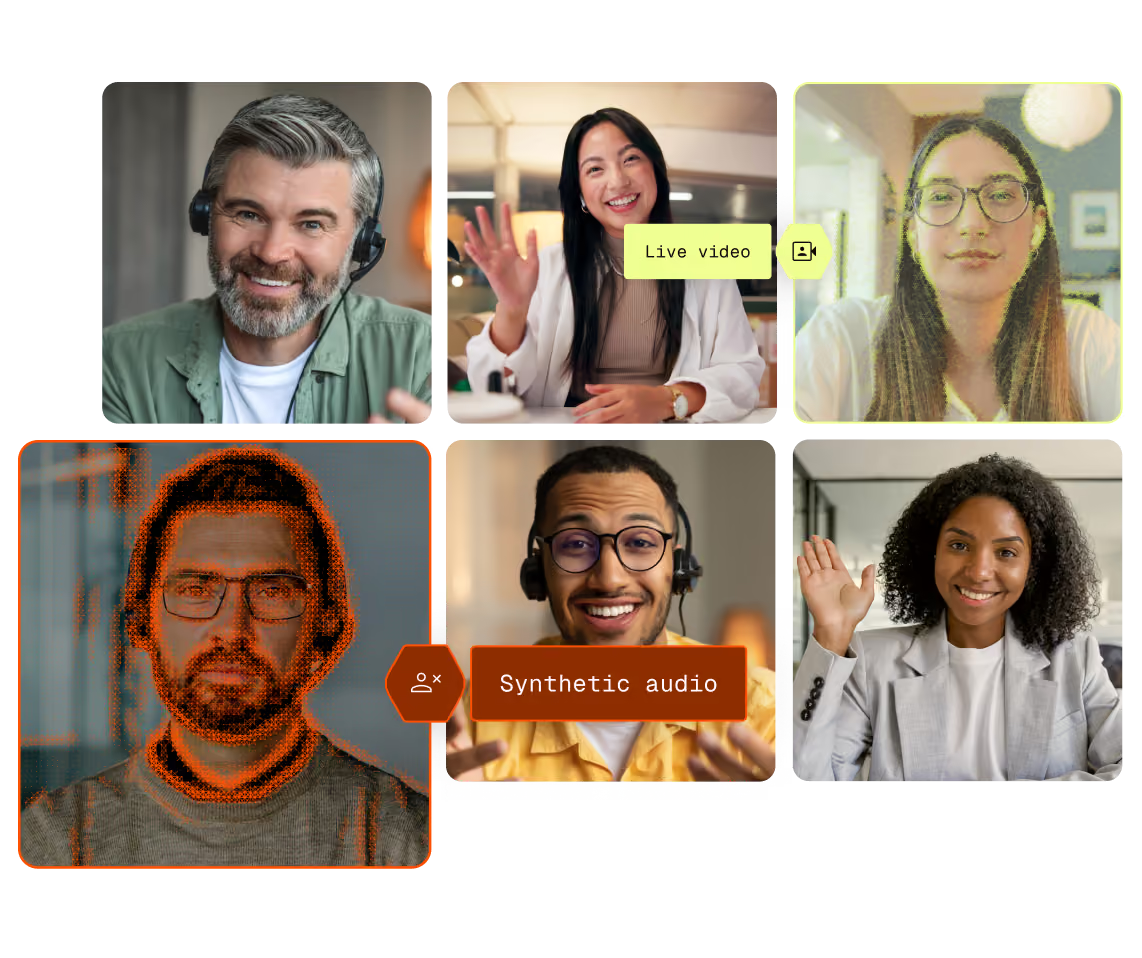
Multimodal deepfake detection analyzes both audio and video during a live interaction. Pindrop Pulse® for Meetings provides multimodal deepfake detection, evaluating audio and video for signals associated with cloned voices, synthetic speech, generated avatars, face swaps, and other manipulated media.
Seeing someone on a video meeting can feel like verification, but it's not. Multimodal deepfake detection is required to confirm that the person on camera is a real human, the right human, and in the expected location.
%201.avif)
%201.avif)
EMPLOYEE LIFECYCLE
Cover the entire employee lifecycle
Impersonation doesn't just happen in hiring. It shows up in executive calls and financial transactions. Attackers want to intrude on those moments, and deepfakes let them do it.
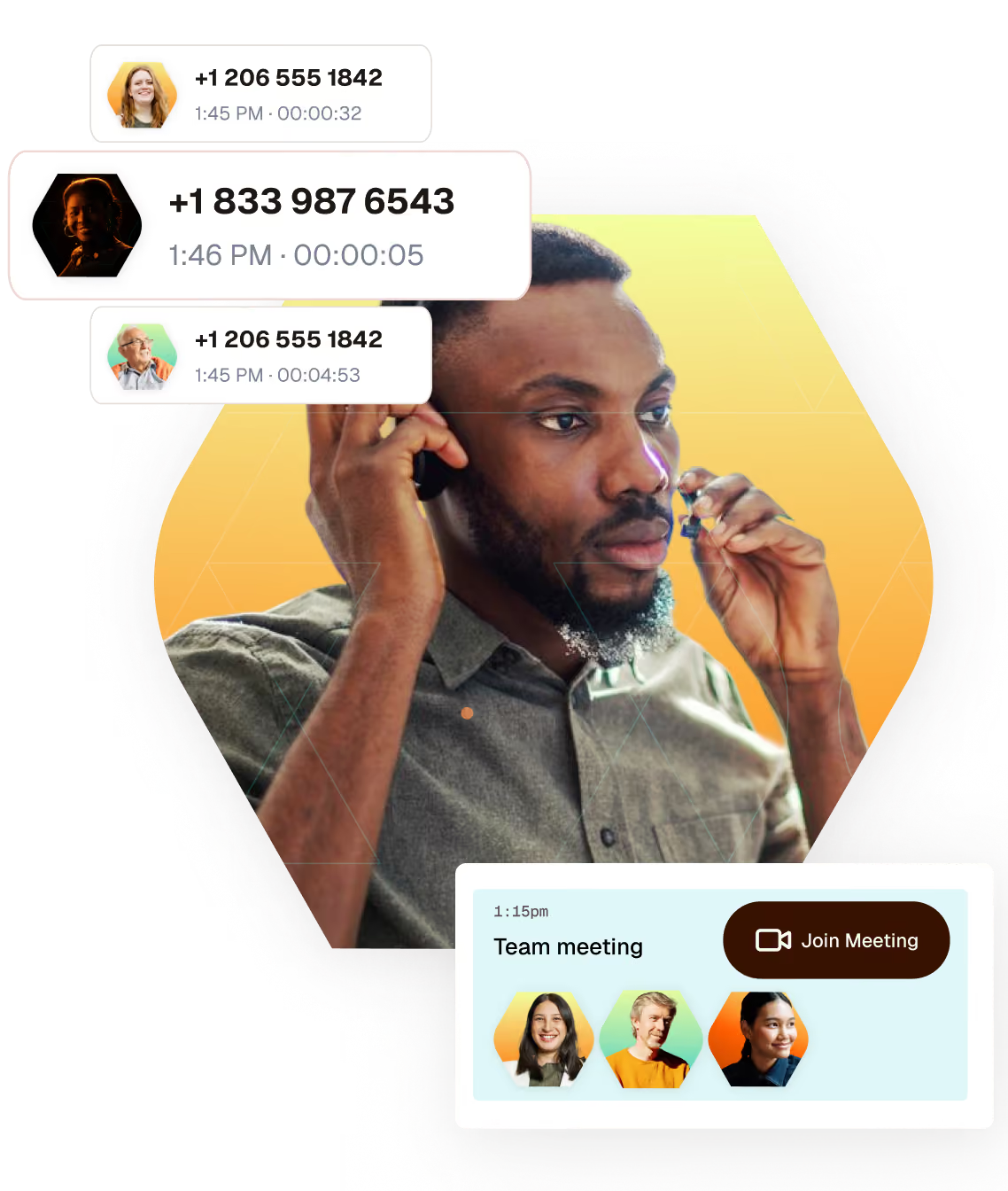
During remote hiring
Catch proxy candidates and identity swaps before a hire gets credentials, equipment, and system access.
During executive meetings
Flag manipulated media when a participant asks for confidential information or urgent access.
During financial approvals
Add live deepfake analysis to financial requests that happen over video meetings, and catch bad actors in the moment.

How does Pulse detect impersonation in real time?
Pulse for Meetings fits right into your meeting software including Zoom, Webex by Cisco, and Microsoft Teams. No need to change how you do things—just keep scheduling and joining meetings as usual.
Reveals what’s fake
Pulse quickly checks live audio and video to spot fake voices or faces, and continues analyzing throughout the interaction.
Adds authentication and location context
Passive voice checks verify the speaker is who they say they are without needing a password. It also flags if they're in an unexpected location or using a VPN.
Helps your team make informed decisions
When a flag appears, Pulse provides details directly in your meeting, letting your team decide whether to pause, involve security, or seek further approval.
Featured webinar
Inside the DPRK worker threat
Operatives from sanctioned nations are landing real jobs using stolen identities and deepfakes—then routing salaries back to the regime. See how it works, and how to spot it.


Works with the meeting platforms your teams already use
Pulse for Meetings is designed to work alongside enterprise collaboration platforms without changing how employees, candidates, and external participants schedule or join meetings.
INTEGRATION
Zoom
INTEGRATION
Webex by Cisco
INTEGRATION
Microsoft Teams
THE PRODUCTS BEHIND IT
Powered by the Pindrop platform
Pindrop technology enables enterprises to answer three key questions in order to detect AI-powered attacks in virtual meetings: Is this identity human? Is this identity risky? Is this identity known?


REPORT
Deepfake readiness, by the numbers
74% of enterprise security leaders report deepfake attacks, but only 10% have tools built to detect them. See what one incident can cost and what it will take to get the board's attention.
Don't assume. Verify.
Take the first step toward a safer, more secure future for your business.

Multimodal deepfake detection software FAQs
Disclaimer