


Deepfake detection for Microsoft Teams meetings
Verify who is really on a Microsoft Teams meeting before granting access or approval.1


Know you're meeting with a real person
Defend your Teams meetings against deepfake job candidates, executive impersonation, and suspicious vendor meetings with Pindrop® Pulse for Meetings.
Catch AI threats in Teams meetings
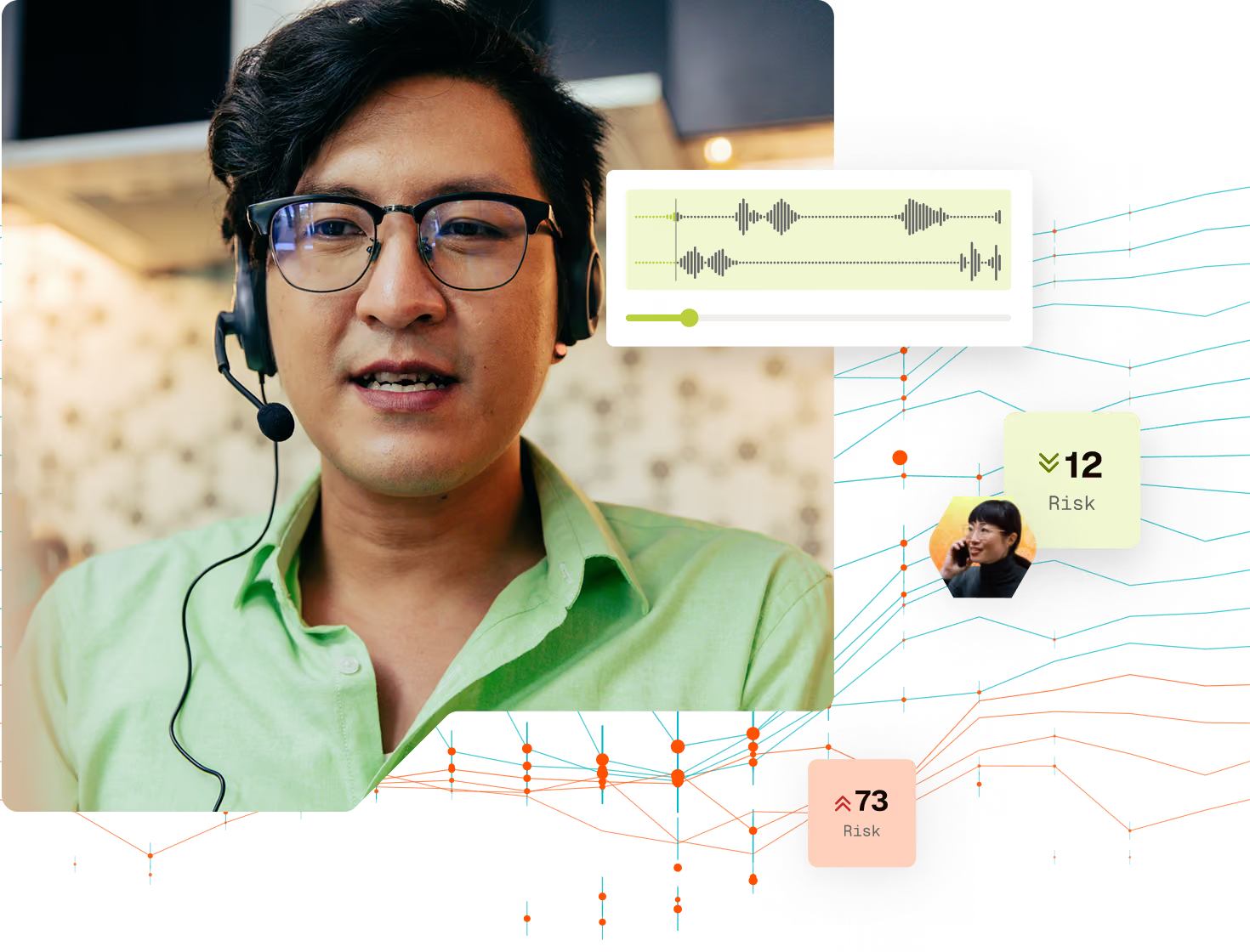
Pulse alerts meeting hosts if a speaker’s audio is synthetic, video is AI-generated, or other discrepancies with location signaling, such as IP address changes from previous calls, timezone mismatches, or a detected VPN.


Why Pindrop + Microsoft Teams
A continuous, multifactor analysis of Teams virtual meetings.
Stop fake candidates before they become insiders
Safeguard hiring workflows where synthetic identities and deepfake candidates can enter the funnel without relying on recruiter intuition alone.
Extend zero trust into the meeting layer
While IAM and MFA verify credentials, Pindrop Pulse® for Meetings helps verify the human behind the meeting, strengthening verification across remote and hybrid workflows.
Defend high-value, sensitive conversations
Support meeting-based workflows where identity is assumed but not always verified, like executive approvals, vendor calls, or payment-related discussions.
Related resources



Digital trust isn’t
optional—it’s essential
Take the first step toward a safer, more secure future for your business.