ENTERPRISE AUDIO DEEPFAKE DETECTION
Catch deepfake audio, reduce risk
Pindrop brings advanced audio deepfake detection and liveness analysis into IVR and contact center workflows—empowering you to identify audio deepfake and cloned-voice signals early in the call.

99%
Detection accuracy against known engines1
Pindrop Pulse accuracy computed on the ASVspoof5 dataset of 32 engines. More info here.~2s
Of speech to detect a deepfake
Lorem ipsum dolor sit amet consectetur75+
Deepfake detection patents
Lorem ipsum dolor sit amet consectetur

AUDIO DEEPFAKE DETECTION SOFTWARE
What is enterprise audio deepfake detection software?
Enterprise audio deepfake detection software for contact centers helps your agents know if they're talking to a real human by analyzing live voice interactions for signals associated with AI-generated, cloned, or otherwise manipulated speech.
Post-call review isn’t good enough for most contact centers. You need live analysis as the call is in progress, and that’s exactly what enterprise audio deepfake detection provides. It brings audio deepfake and synthetic voice risk context into IVR, authentication, account recovery, and other sensitive call journeys—making it easier for teams to evaluate alongside their existing identity and fraud controls.
By detecting audio deepfakes across your enterprise, Pindrop® Pulse for Contact Centers gives you more information to make informed decisions for routing, review, and escalation while persevering a low-friction experience for genuine callers.
%201.avif)
%201.avif)
CALLER JOURNEY
Cover the whole caller journey
Audio deepfake attacks can enter at any point in a customer call. But analyzing voice, audio, and liveness signals from the IVR through the live agent can surface risk earlier. Give your team the evidence they need before a high-stakes decision is made.

In the IVR
Detection starts before the caller reaches an agent. Audio deepfake analysis flags synthetic or cloned voices in the IVR, so by the time you're routing, verifying, or reviewing a call, your team already has a clear liveness review.
With a live agent
Account recovery, claims support, profile changes, and sensitive transactions: these are the moments where being sure the caller is human is vital. Bring in synthetic voice analysis and give your agents and fraud teams real-time context, so they know whether to verify or escalate.
Alongside other controls
No single signal tells the whole story. Deepfake detection works best combined with authentication, device, behavioral, and other risk signals, building a fuller picture of who's actually on the line.

How does Pulse detect audio deepfakes in real time?
Customer service, self-service, sensitive account actions. Audio deepfake detection belongs at each of those points. See how it works.
Reveals what’s fake
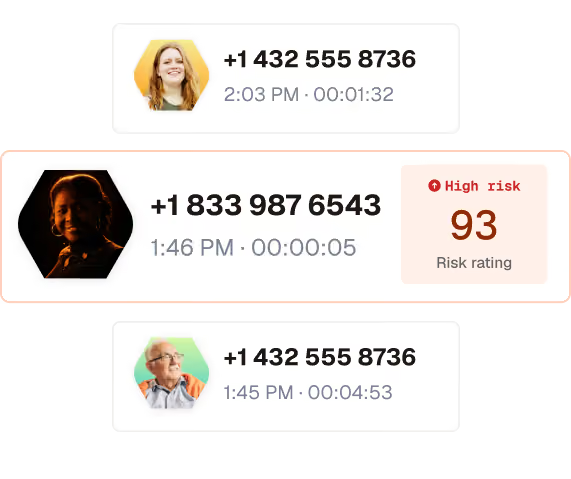
Pulse for contact centers evaluates live calls for signs of AI-generated speech, cloned voices, and audio deepfake risk, providing that feedback to agents during the live call.
Provides the full context
When paired with the rest of Pindrop platform, your team can get a comprehensive view of the call’s risk based on deepfake detection, voice, behavior, and metadata.
Helps your team make informed decisions
When a call shows signs of synthetic manipulation, you decide what happens: route it differently, add extra verification, or send it to fraud review.
Where a synthetic voice can do the most damage
A deepfake is potentially dangerous in the moments where high-risk decisions are made: probing in the IVR, an authentication check, a request to reset an account. The cards below cover those moments and the industries where they matter most.
Use case
IVR reconnaissance
Use case
Authentication risk
Use Case
Account recovery
Industry
Insurance
Industry
Healthcare
Industry
Banking and finance
THE PRODUCTS BEHIND THE SOLUTION
Your contact center needs, all in one platform
Catch what's suspicious, verify callers without friction, and detect bots and AI voices early. Three layers, one platform, covering every call.


RELATED SOLUTION
Round out your trust capabilities
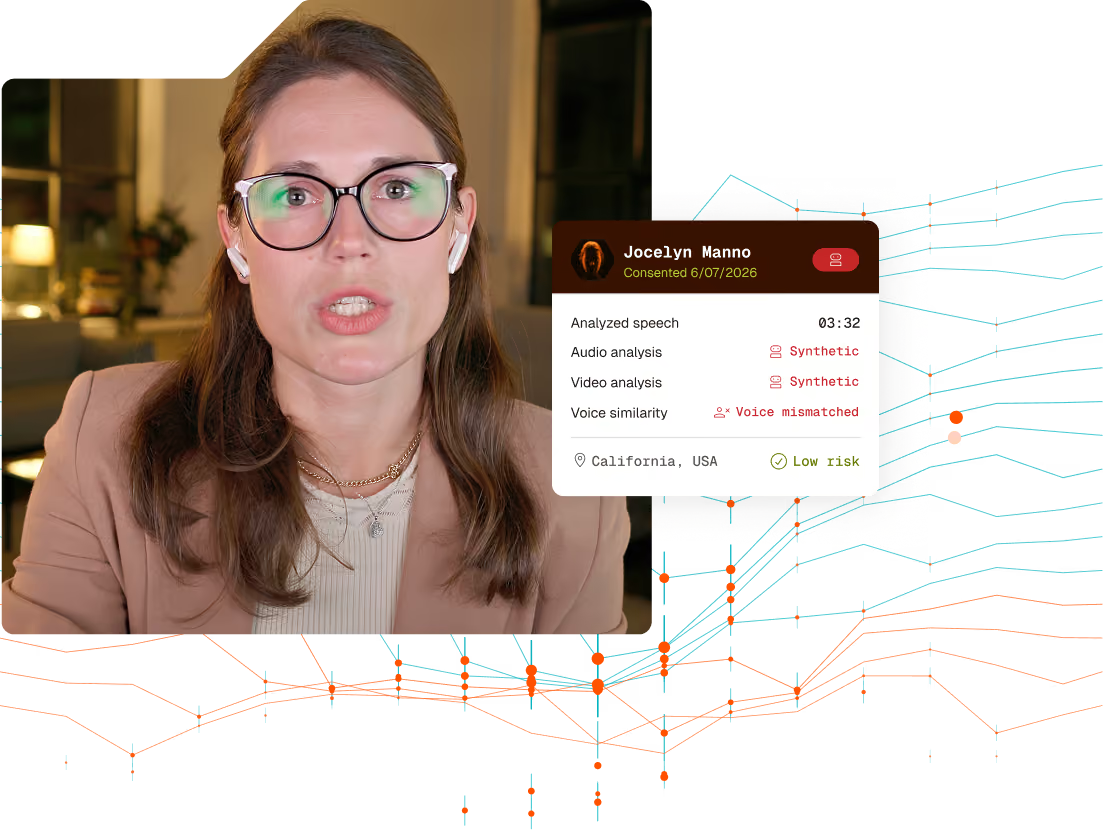
Pindrop Pulse® for Meetings detects audio, video, participant, and location risk inside popular meeting platforms.

REPORT
Deepfake readiness, by the numbers
74% of enterprise security leaders report deepfake attacks, but only 10% have tools built to detect them. See what one incident can cost and what it will take to get the board's attention.
Don't assume. Verify.
Take the first step toward a safer, more secure future for your business.

Frequently asked questions
Disclaimer